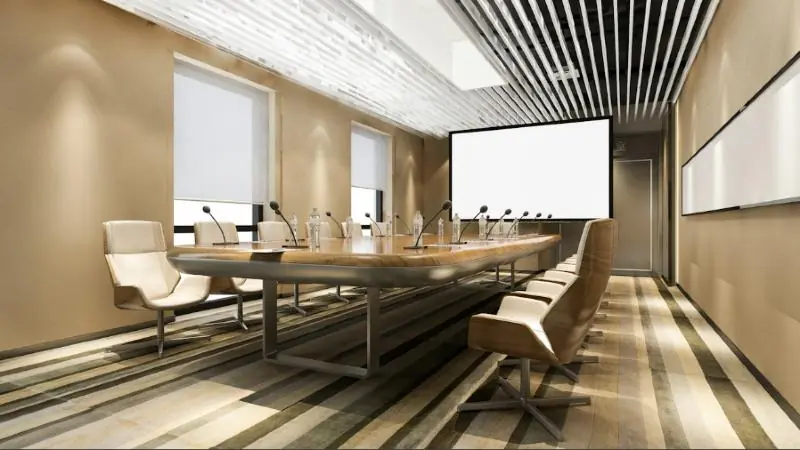
A boardroom has failed if a meeting starts with ten minutes of cable changes and a call to IT. A smart boardroom brings the display, audio, camera, lighting and blinds under one simple control.
Design for the first minute
Picture a visitor walking in with a laptop. They should be able to connect, share and start a call without training. That usually means:
- One touch panel with a few clear choices, such as Present, Video call and End meeting.
- Wired and wireless sharing that work the same way every time.
- A room that returns to its default state after each meeting.
Audio matters most
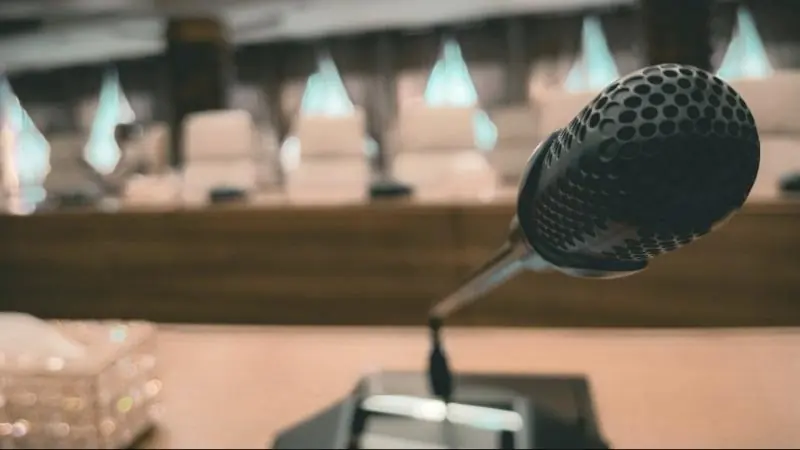
People forgive a soft image more easily than speech they cannot follow. Choose microphone coverage for the actual table and seating. Then treat the room if hard walls and glass cause echo. Our guide to audio conferencing covers the options.
Match the camera and display to the room
Check the viewing distance from the furthest seat before you choose a screen size. Choose a camera that frames both the table and anyone at the far end. For rooms with several rows, automatic tracking may help, but test it with the way you hold meetings.
Plan the hidden parts early
The clean look depends on work done before the ceiling closes:
- Conduit and floor boxes in the right places.
- Ventilated space for equipment.
- A network connection for every device, with room for growth.
- Power for blinds and lighting control.
Leave a way to support it
Label every cable, document the system and agree who handles updates. Remote monitoring can also catch a fault before the next meeting. See our Smart Home and Office services.