A learning space works when every student can hear the lecturer, read the screen and stay focused, and when the lecturer can start without technical help. Technology should support those basics.
Hearing comes first
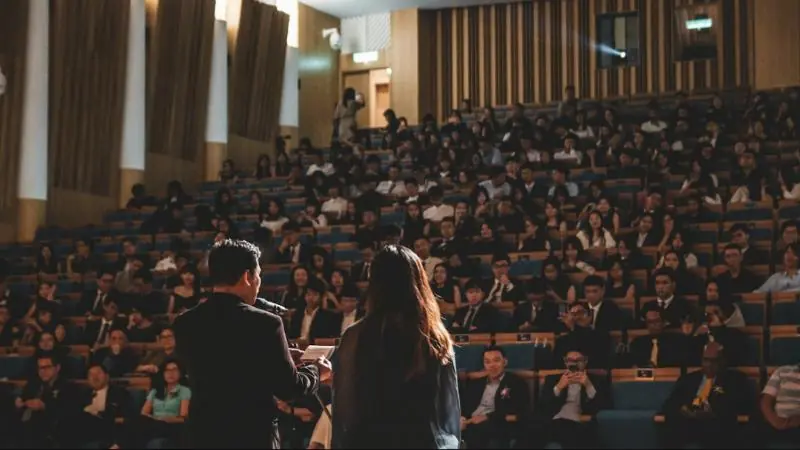
Long rooms and hard surfaces make speech difficult to follow, especially in the back rows. Good lecture hall audio usually combines:
- Acoustic treatment to control echo.
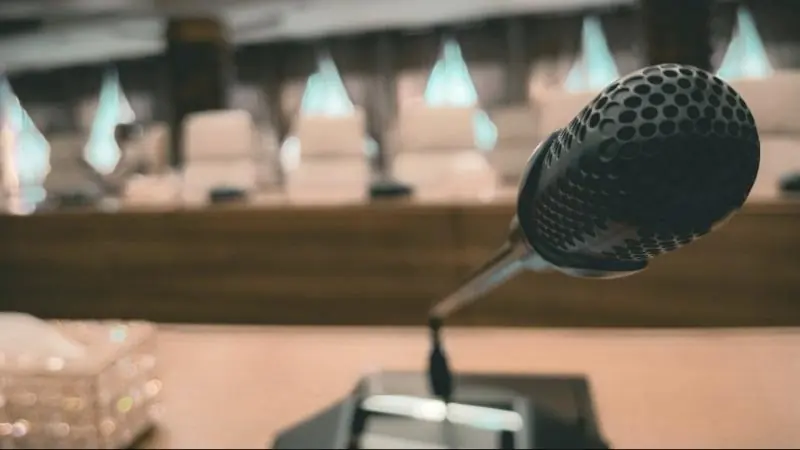
- A wearable or lectern microphone for the lecturer.
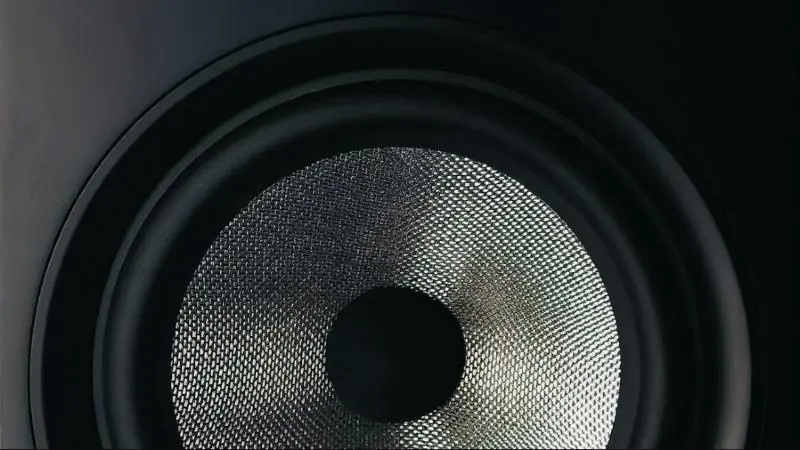
- Speakers placed to give even coverage across the seats.
- Hand-held or ceiling microphones for student questions.
Make the content readable
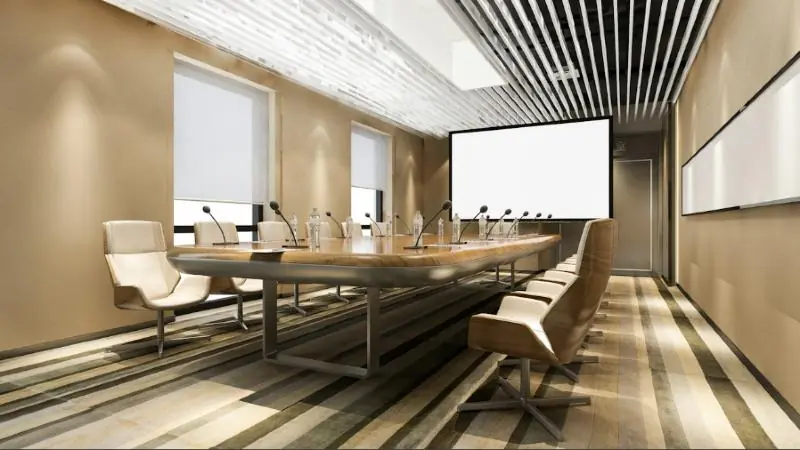
Choose the display from the room's furthest seat and the smallest text you expect to show. Large rooms may need more than one screen, or a repeat display for rear seating. Control window light with blinds, because even a bright projector can struggle in direct sun.
Keep the controls simple
Use the same control layout in each room. A lecturer moving from one building to another should find the same buttons in the same places. Add a clear route for calling support.
Plan for hybrid teaching and recording
If lessons will be streamed or recorded, include the camera position early. The microphones must serve both the room and remote students. Agree who will store recordings and how long they will be kept.
Manage it as a campus system
Connecting rooms to a managed network helps support teams update devices, check faults and schedule power. The same infrastructure can often work with a campus IP public address system for bells and announcements.
Our Konza Technopolis project included an IPPA, smart classrooms and lecture halls for the Kenya Advanced Institute of Science and Technology.