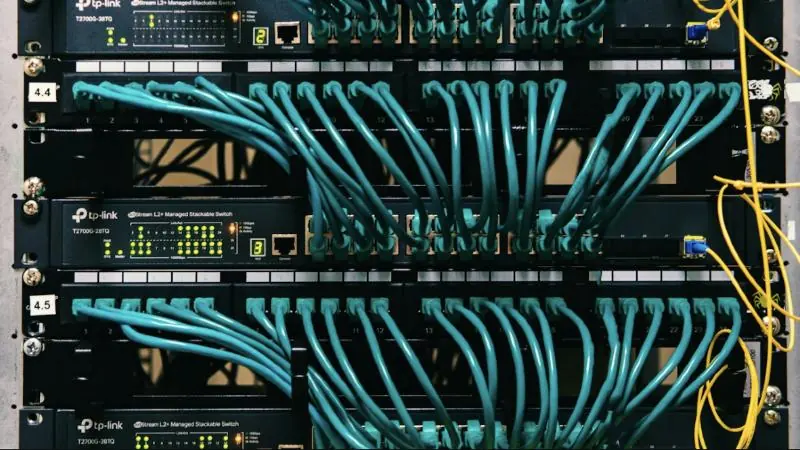
In a traditional studio, audio follows physical cables through patch bays and routers. In an IP workflow, sources and destinations share a managed network, and routing becomes software configuration. That makes studios easier to change, but it also makes the network part of the on-air chain.
What you gain
- Flexible routing: any permitted source can reach any destination.
- Shared resources: several studios can use the same feeds and equipment.
- Less cabling: one network connection can carry many channels.
- Remote options: contributors and studios can connect across sites over suitable links.
Standards to know
AES67 helps audio-over-IP equipment from different manufacturers exchange streams. SMPTE ST 2110 carries professional audio, video and data as separate streams. Dante is a widely used audio networking platform, and our plain guide to Dante explains the basics.
Support varies by product, so check how each device handles clocking, discovery and control before you buy.
What needs more care
Timing. Devices need a stable shared clock, commonly using Precision Time Protocol.
Network design. Multicast, quality of service and switch settings must suit live media. Keep on-air traffic away from general office data.
Security. A network-connected studio needs access control, patching and restricted remote access.
Failure planning. Decide what happens if a switch, link or power supply fails. Critical paths may need redundancy and a manual bypass.
Moving an existing studio
You rarely need to replace everything at once. Begin by mapping the current signal flow, then identify which sources and destinations gain the most from IP. Gateways can connect analog and AES3 equipment during the move. Test the failover plan before you go live. See our Broadcast and Podcast services.