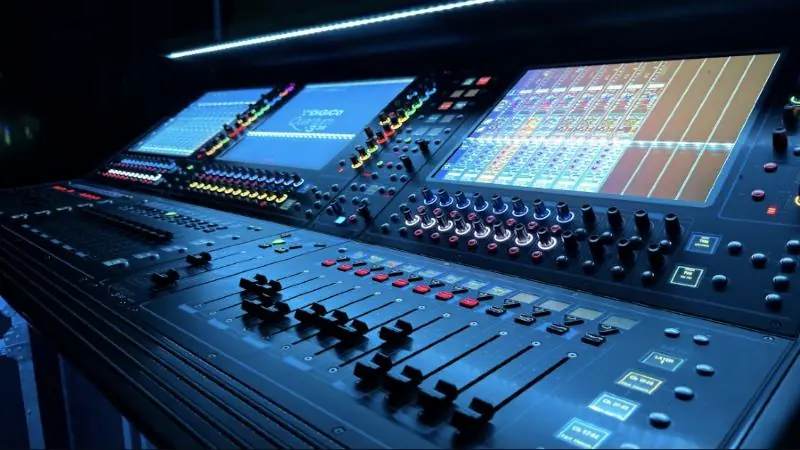
Dante, developed by Audinate, sends audio between compatible devices over an IP network. Instead of running a separate cable for each signal, one network connection can carry many channels, and routing can be changed in software.
Why people choose it
- Less cable: one connection replaces bundles of analog cable.
- Flexibility: you can reroute audio without re-patching.
- Scale: devices can be added through the network as the building changes.
- Choice: many manufacturers offer Dante-enabled equipment.
It is often used in conference centres, houses of worship, universities, hotels, stadiums and studios.
What the network needs
Dante works over standard Ethernet and IP, but live audio needs careful setup. Audinate's guidance should be your reference, and the main points are:
- Use suitable managed switches and gigabit connections, especially for larger systems.
- Configure quality of service so that clock and audio traffic take priority.
- Turn off Energy Efficient Ethernet where the switch vendor and Audinate advise it.
- Manage multicast traffic properly.
- Consider a dedicated VLAN or network.
Plan for redundancy
Many Dante devices have primary and secondary ports, which allow two separate networks. If one network fails, audio can continue on the other. Check which of your devices support this, and whether the room's importance justifies it.
Work with IT from the start
Dante often shares infrastructure, cable paths or support staff with the IT team. Agree early on who controls switch settings, addressing, security and changes.
Dante is one part of the system
Dante moves audio from place to place. It does not fix poor speaker coverage or a difficult room, so good design still matters. See our AudioVisual services to discuss a project, or read about IPPA systems.