Buyers often start with the microphone, but the room has as much effect on your sound. A good microphone in an echoing office still sounds like an echoing office.
Start with the room
Choose the quietest room available, away from generators, traffic and air-conditioning noise. Soft furnishings and acoustic panels can reduce reflections around the speakers. Do not rely on thin foam to block outside noise, because it mainly affects sound inside the room.
Choose microphones for the space
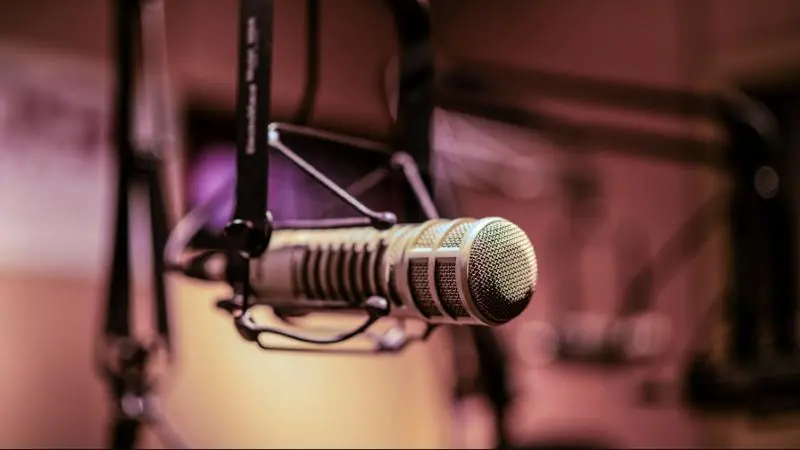
Dynamic microphones are a common choice for speech because they work close to the mouth and pick up less of the room. Studio models such as the RE20 and RE320 are popular, and they need a preamp with enough clean gain.
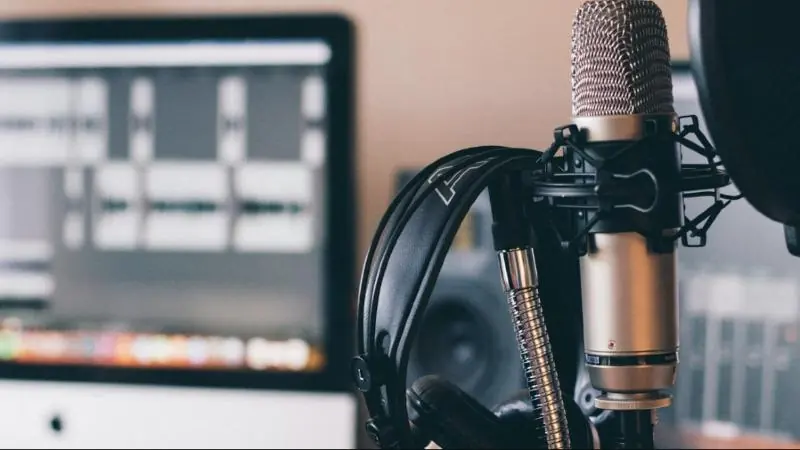
Give every speaker their own microphone, boom arm and pop filter. Keep the mic-to-mouth distance consistent.
Let everyone monitor
Each person should wear closed-back headphones, such as the Sennheiser HD280Pro or Audio-Technica ATH-M20. This helps people hear their mic technique and catch problems during recording. Multi-guest setups also need a headphone amplifier or a mixer with separate outputs.
Decide how you will record
- Audio interface: suits one to four speakers recording into a computer.
- Podcast console or mixer: adds easier live control, remote guest connections and sound effects.
- Multitrack recording: keeps each voice separate for easier editing.
Add video only if you need it
Video adds cameras, lighting and more editing work. If you plan to add it later, leave room for lights and cable paths, and design a background that works on camera.
Test before launch
Record a full practice episode and listen on headphones, in a car and on a phone. It is the quickest way to find noise or uneven levels. Need a turnkey room? See our Podcast Setup solution.