A good access control system does more than open doors. It decides who may enter, when and where, and it records what happened. The right design begins with your people and spaces, not the reader.
Compare the credentials
Cards and fobs are familiar and easy to issue, but they can be shared or lost.
Mobile credentials use a smartphone and can be issued remotely. You need a plan for staff without compatible phones.
PIN codes need no physical token, but codes can be shared. They often work best as a second factor.
Biometric readers confirm a person's fingerprint, face or other characteristic. They reduce credential sharing, but biometric data is sensitive. Take advice on your obligations under the Data Protection Act before you enrol people.
Where turnstiles fit
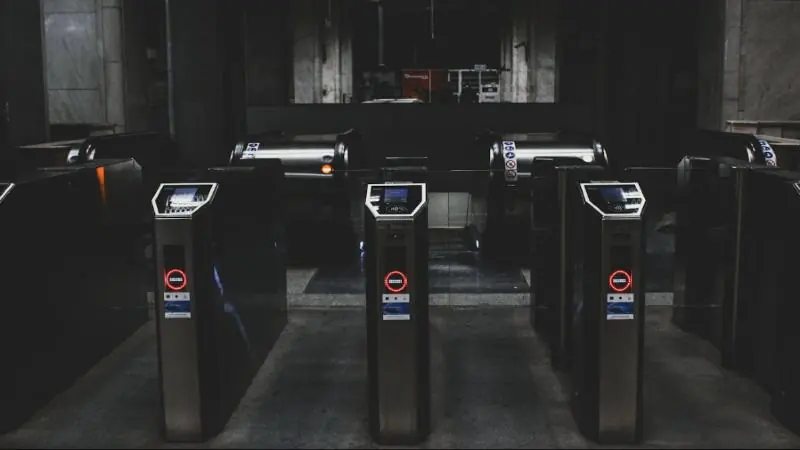
Turnstiles control how many people pass at a time, which helps at busy entrances and helps stop tailgating. Full-height models suit perimeters, while tripod and speed gates are common in lobbies. Include an accessible lane, and plan how goods and visitors will get through.
Map zones before products
List your areas and who needs them: public, staff, server room, cash office, store. Then set rules by role and time. A simple matrix now will prevent a confusing permission list later.
Plan for failure and emergencies
- Agree what each door does during a power cut.
- Connect the system to the fire alarm where required, so exits release safely.
- Provide battery backup for controllers and locks.
- Decide who can issue and revoke access after hours.
Link it with your other systems
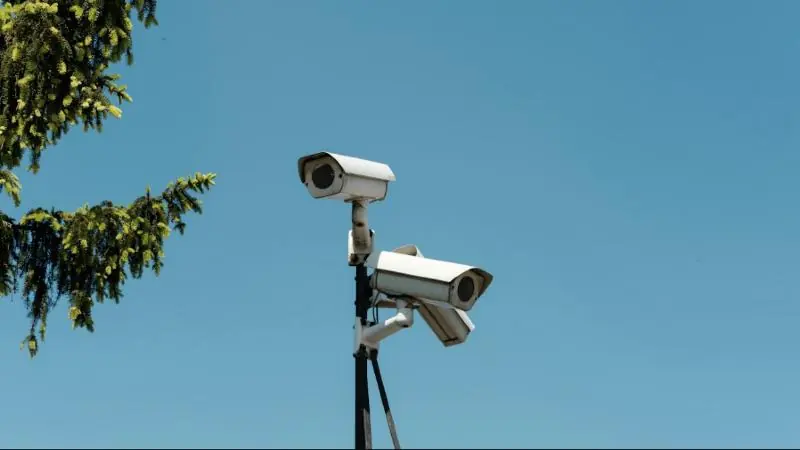
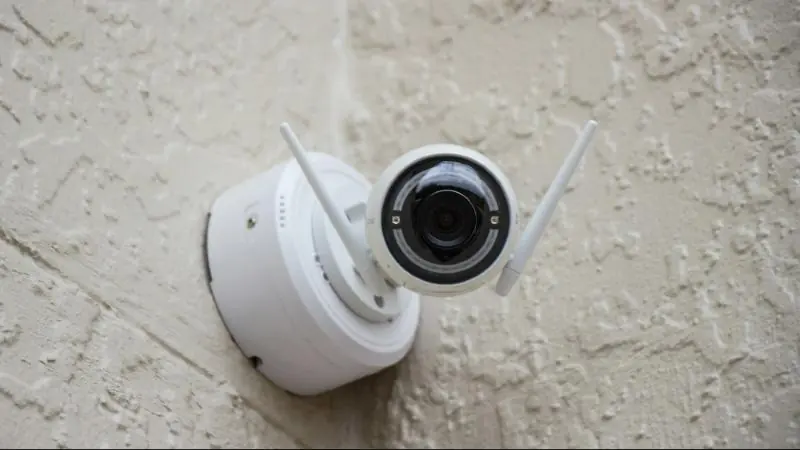
Access events are more useful when linked to video surveillance, because you can review footage of a door alarm. Connect visitor management and HR offboarding, so that leavers lose access promptly. See our Security and Surveillance services.